
Accept pre-orders to sell products that aren’t in stock. A pre-order is a great way for businesses to spark interest about new products, plan for inventory management, and raise money for production.
Adding a product to sell as a pre-order is the same process as adding regular products to your store. This guide covers different ways you can customize the product details page to let customers know that products won’t ship right away.
Tip: If you’re new to Squarespace Commerce, visit Understanding Squarespace Commerce for more information about setting up your store.
Set the stock level
When you add a product to sell as a pre-order, set the stock level higher than zero so products don’t appear to be out of stock. If you’re basing your stock level off customer interest, set the stock level to a high number so you can capture as much interest as possible.
Add pre-order details to the product description
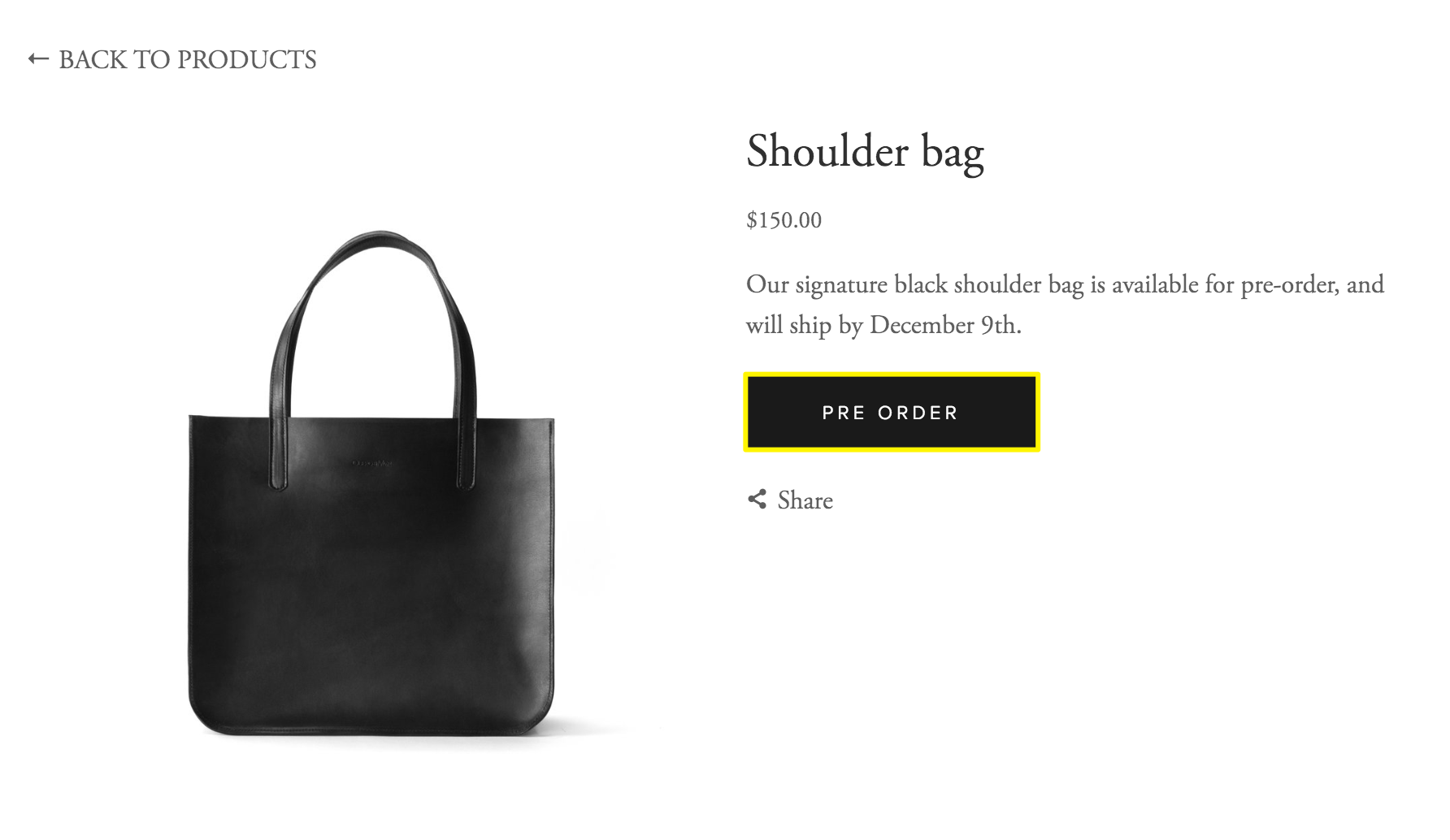
In the product description field, let customers know when the item will ship. You can also link to your store’s terms and policies for more information about order cancellations, shipping, and returns.
Create a discount
To encourage pre-order sales, you can offer products at a discount. You can apply the discount to a specific product, or set the discount to expire on a specific date.
Change the Add to cart button
By default, products details pages have an Add to cart button. You can edit the text to say Pre-Order instead. This is the best option if you’re ready to start accepting pre-order sales.
- In the product editor, click the Options tab.
- Select Use Custom Add Button Label.
- Enter Pre-Order.
Repeat these steps for every product that will be sold as a pre-order.
Enable product waitlists
Some shoppers might want to wait until the product is in stock to order it. Enable product waitlists to notify interested shoppers when products are in stock.
Fulfill orders
When the product is in stock, fulfill the orders from the Orders panel.
Next steps
Now that you’ve created a pre-order, you might want to:
- Create a blog to highlight the production process. This is a good way to keep customers informed, and an SEO best practice.
- Contact customers to keep them up-to-date on their order status.
- Promote pre-orders using a promotional pop-up or an announcement bar.
Comments
0 comments
Please sign in to leave a comment.