
When you register or change a Squarespace Domain's contact information, you must verify the action via email. We'll email you requesting that you confirm your domain's contact information by clicking a link.
If you don't verify your domain registration within 15 days of registration, your domain will be suspended. This guide includes information about how to unsuspend your domain.
Verification is required per ICANN’s 2013 Registrar Accreditation Agreement.
Verify your domain
When you register a custom domain with Squarespace, you'll receive an email from us prompting you to verify ownership of your domain. The sender and subject line of the email depends on your registrar:
- If your registrar is Squarespace Domains LLC, the email will be sent from no-reply@squarespace.com and the subject line will be, "[Action Required] Verify your Squarespace domain contact."
- If your registrar is Tucows, the email will be sent from customercare@squarespace.com and the subject line will be, "Action Required: Verify your Domain."
The email is sent to the contact email address you entered upon registration. Search your inbox and spam folder for the sending address or subject line. When you find the email, follow these steps to verify:
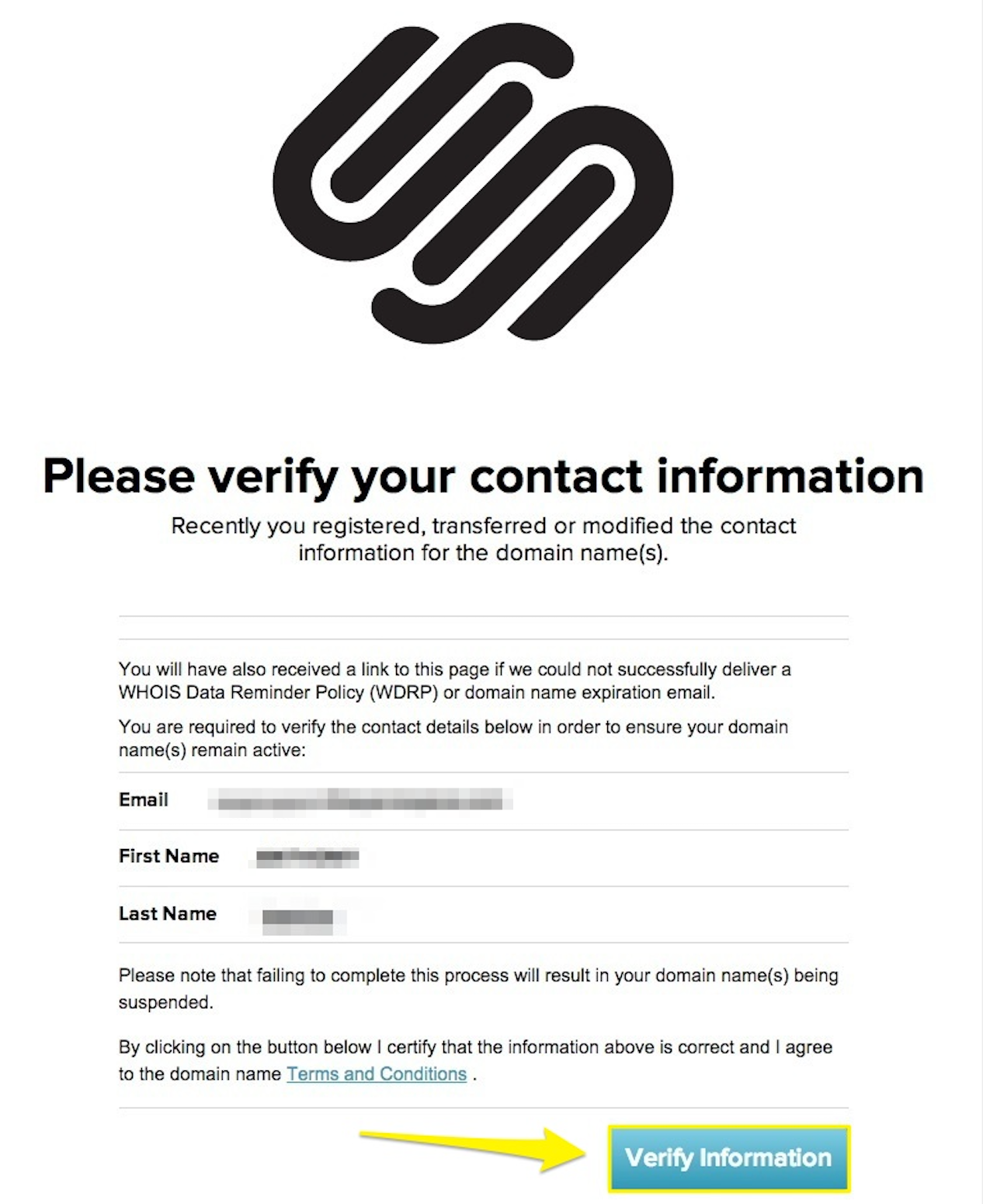
- Click on the link in the email asking you to verify your domain.
- Click the Verify Information button after you've reviewed the information.
Email verification required status
When your domain is pending verification, the domain in the Domains panel will have a red sidebar and an "Email verification required" status.
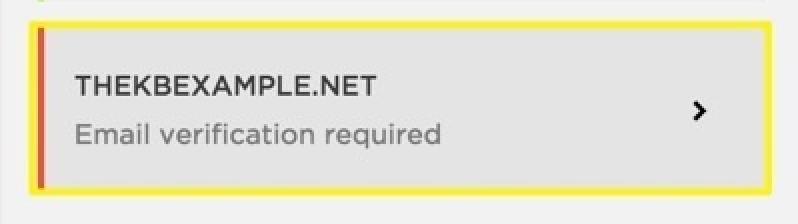
Click the domain to view details and resend the verification email.
Resend the verification email
If you didn't receive the verification email, you can ask us to resend it from the Domains panel.
To resend the verification email:
- In the Domains panel, click your domain.
- Click Resend Verification Email.
- Click Okay in the confirmation message that appears.
To resend the verification email:
- In the Domains panel, tap your domain, then tap Resend Verification Email.
- Tap Okay in the confirmation message that appears.
If you see a "Failed to send" message
If you see a Failed to send message, this means the email was bounced or wasn't received. To try again, change your domain's contact email address or contact us to investigate why your email address isn't working.
Note: We don't recommend using an Apple email address as your domain contact email. These addresses usually end in @mac.com, @me.com, or @icloud.com. In many cases, these accounts mark Squarespace verification emails as spam, making it more difficult to verify your domain and complete registration.
If your domain is suspended
If you don't verify your domain within 15 days, it will be temporarily suspended. During this time, your domain won't connect to your Squarespace site until it's verified.
To learn more about suspended domains, and for steps to unsuspend it, visit Fixing a suspended Squarespace Domain.
Comments
0 comments
Article is closed for comments.